Azurite + GitHub Actions
Run Azurite, the Azure Storage emulator, inside GitHub Actions or any CI/CD pipeline to execute integration tests against local storage.
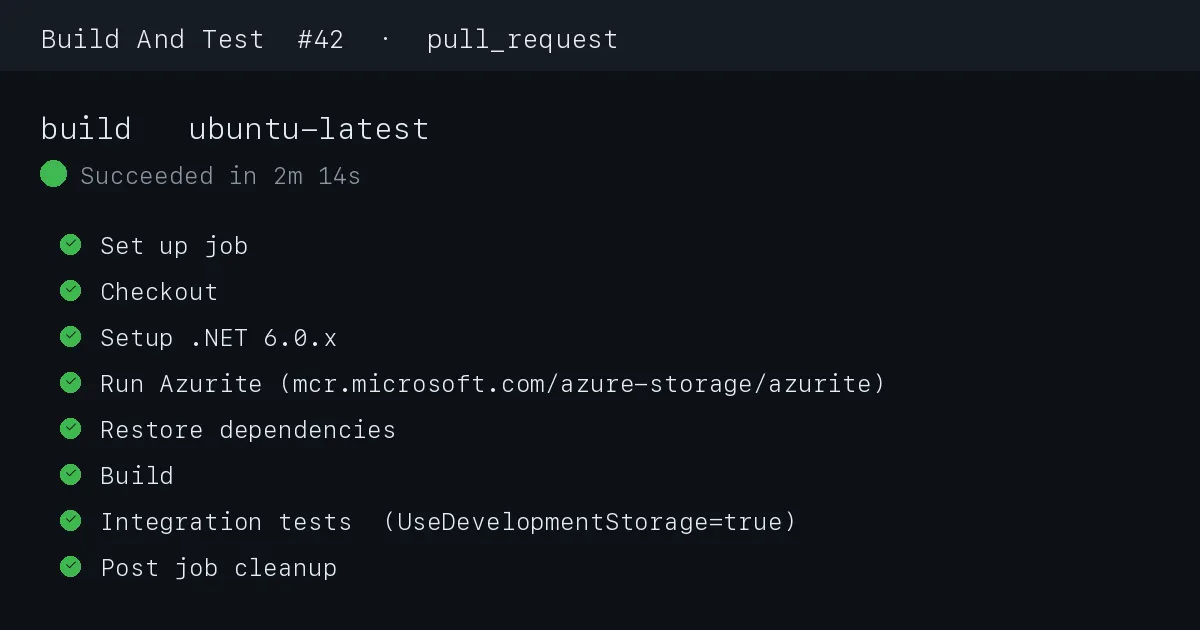
Do you have any project where you want to run Integration Test cases on your build pipelines?
If your answer is YES, then you are in a correct place, in this story I will talk about HOW TO RUN AZURITE WITHIN GITHUB ACTIONS (OR ANY OTHER CI/CD TOOL).
First thing first, add some Integration Tests in your projects and on the configuration file set UseDevelopmentStorage=true, this will tell your code to use the local instance of storage account.
Next step is to add the following steps in you build.yml file.
1
2
3
4
5
6
7
8
9
10
11
12
13
14
15
16
17
18
19
20
21
22
name: Build And Test

on:
  pull_request:
    branches:
      - qa
    paths-ignore:
      - "README.md"

jobs:
  build-and-test:
    name: Build And Test
    runs-on: windows-latest
    steps:
      - uses: actions/checkout@v3
      - name: Install Azurite
        run: npm install --location=global azurite@3.17.1
        shell: bash

      - name: Run Azurite
        run: azurite --silent -l /tmp &
        shell: bash
When the workflow runs, the Run Azurite step finishes in about a second and the job log shows the emulator starting its Blob, Queue and Table endpoints on 127.0.0.1:10000-10002; because the process is backgrounded with &, the job moves straight on to the next step while Azurite keeps listening.
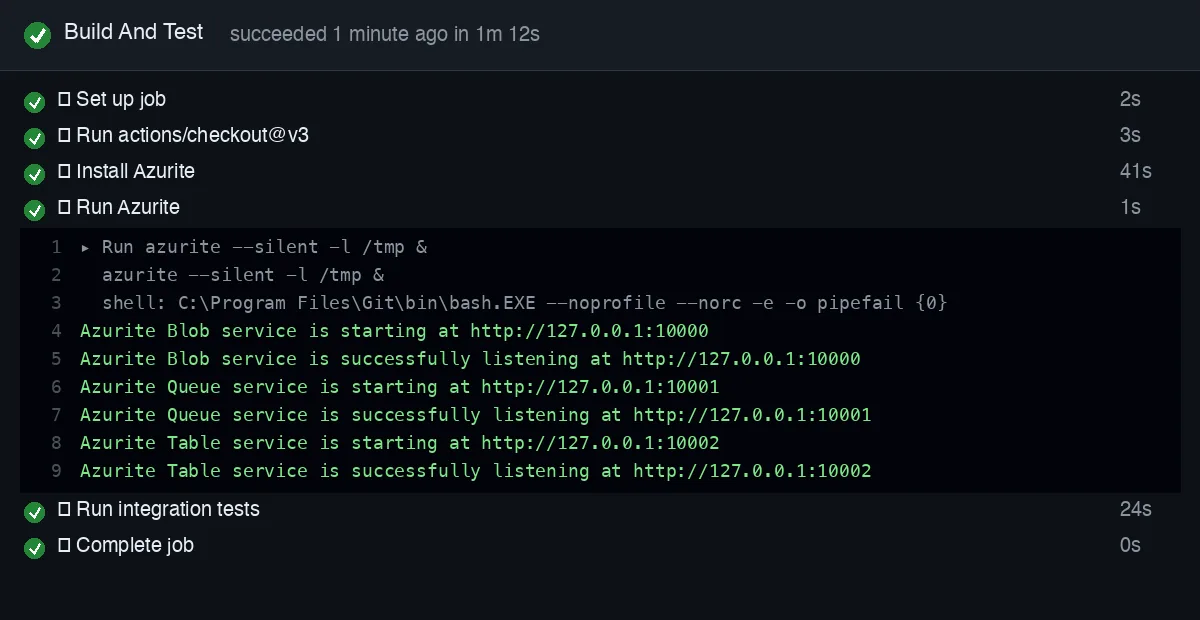 The expanded Run Azurite step in the GitHub Actions job log. If you see these three “successfully listening” lines, your integration tests can connect with
 UseDevelopmentStorage=true.
Add your Integration test steps after this, and Voila YOU ARE DONE.
You can use the same trick with azure DevOps or any other CI/CD Tool. Change the azurite version according to your need.
Hope it help you, Cheers 🍻