Updating Azure Function App From V3 to V4
Outline of the steps to upgrade an Azure Functions app from runtime version 3 to version 4, including backups, project changes and testing.
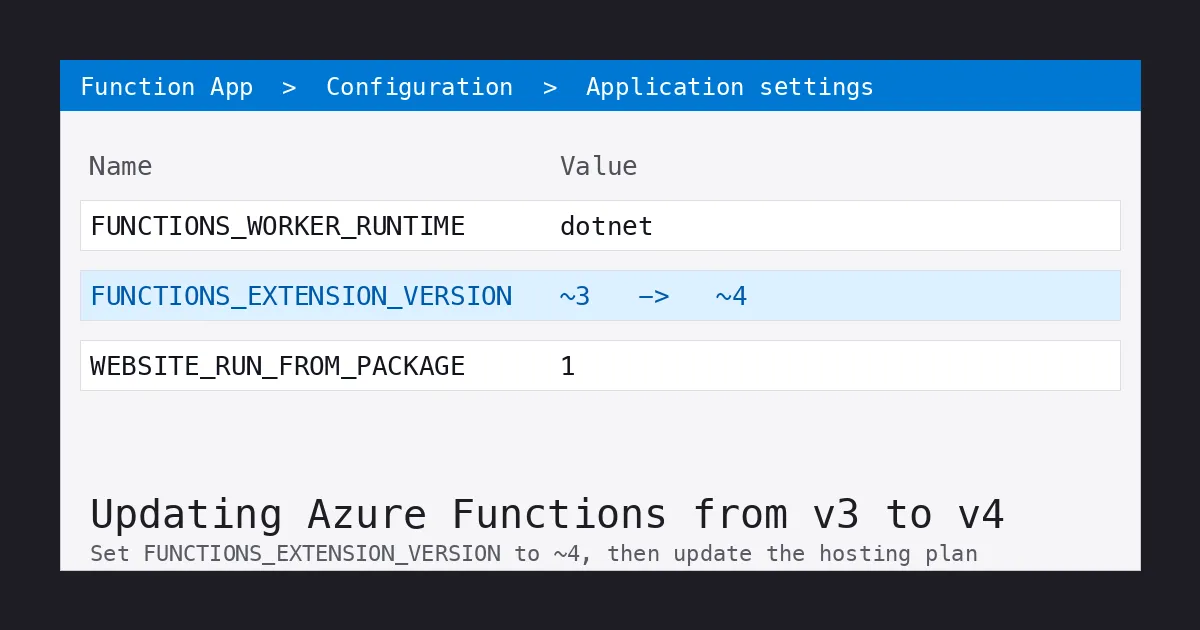
Updating an Azure Functions app from version 3 to version 4 involves a few steps. Here is a general outline of the process:
Make a backup of your function app: Before you begin the update process, it is a good idea to make a backup of your function app in case something goes wrong. You can do this by exporting the function app to a ZIP file using the Azure Functions Core Tools.
Update the runtime version: In the Azure portal, navigate to your function app and select the “Configuration” tab. Scroll down to the “Application settings” section and update the “FUNCTIONS_EXTENSION_VERSION” setting to “v4”.
After you save, the Application settings table should show FUNCTIONS_EXTENSION_VERSION with the value ~4 - that is your confirmation the runtime switch was recorded before you move on to the hosting plan.
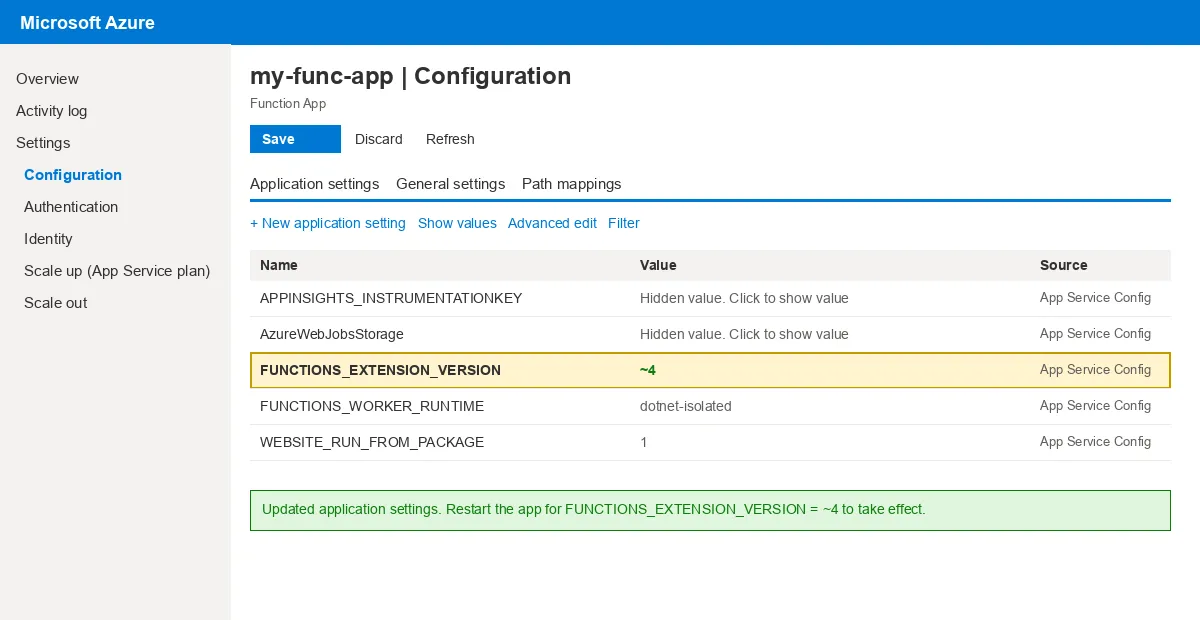 The Configuration blade after saving:
 FUNCTIONS_EXTENSION_VERSION reads ~4. If it still shows ~3, the save did not go through - repeat step 2 before changing the plan.
Update the function app’s hosting plan: Azure Functions version 4 requires an updated hosting plan, so you will need to update the hosting plan for your function app. To do this, navigate to the “Scale up (App Service plan)” blade in the Azure portal and select an updated hosting plan.
Update the function app’s dependencies: If your function app uses any third-party libraries or packages, you may need to update them to versions that are compatible with Azure Functions version 4. You can do this by updating the package references in your function app’s project files and then redeploying the app.
Test your function app: After you have completed the update process, it is a good idea to test your function app to make sure it is working correctly. You can do this by triggering the functions in your app and verifying that they are running as expected.
Updating an Azure Functions app from version 3 to version 4 can be a complex process, and it is important to carefully follow the steps outlined above to ensure a smooth transition. If you encounter any issues during the update process, you may want to consult the Azure Functions documentation or seek help from Microsoft support.