OpenAPI to MCP Server Generator: Turning REST APIs into Agent Tools
How the Lamplit Labs OpenAPI to MCP Server Generator turns an OpenAPI or Swagger spec into a ready-to-run TypeScript or Python MCP server.
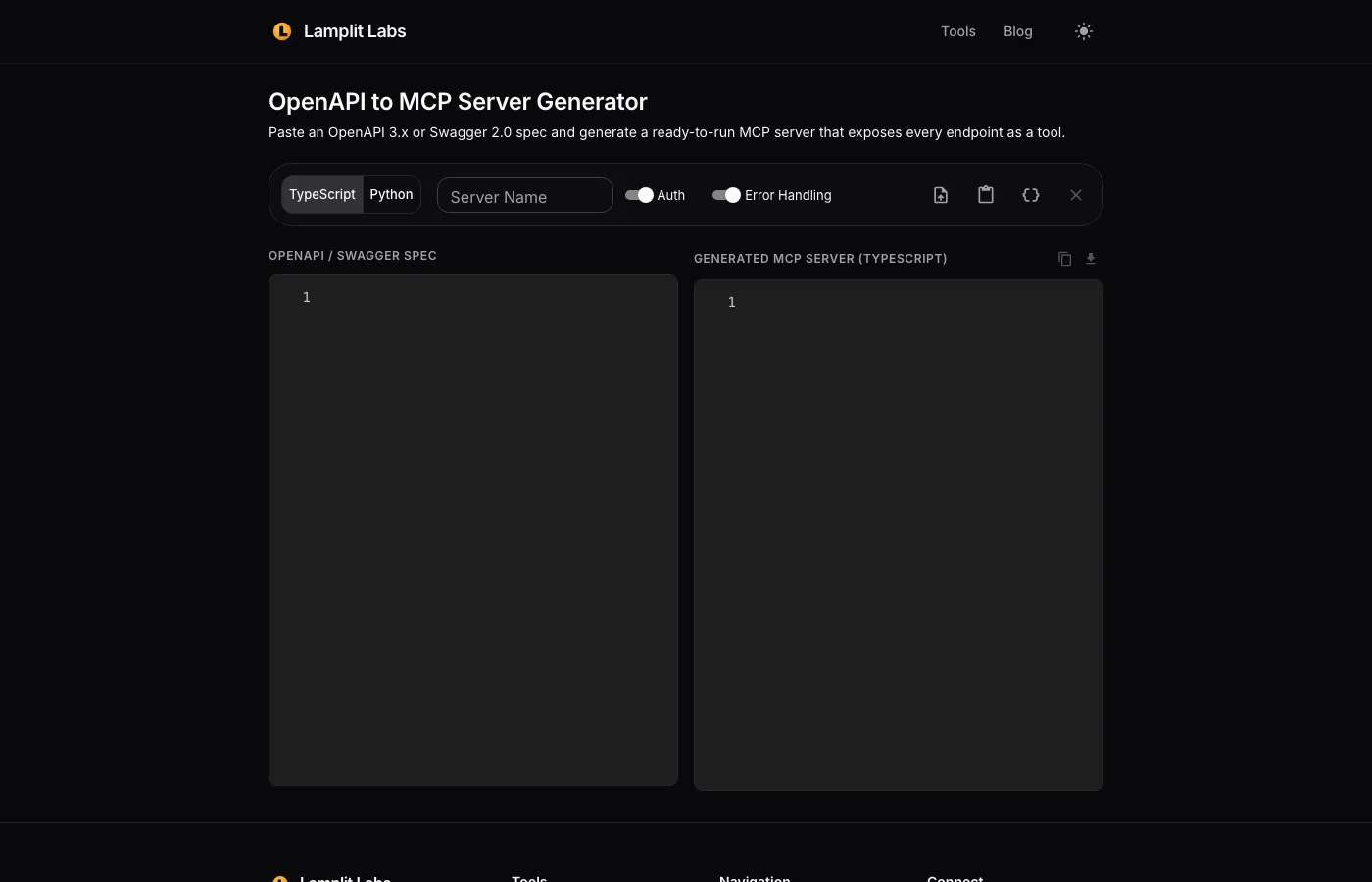
Every team that starts wiring an LLM agent to an internal system hits the same chore: the system already has a REST API with an OpenAPI spec, but the agent speaks the Model Context Protocol and wants tools. Writing an MCP server by hand means copying each path, each parameter and each body schema into a tool definition, then writing the fetch call that stitches it back together. It is mechanical work, it is easy to get subtly wrong, and it has to be redone every time the API changes. We built the OpenAPI to MCP Server Generator at Lamplit Labs to do that translation in one paste. Like the AI Pricing Calculator and the rest of the tools site, it runs entirely in the browser, so an internal spec never leaves your machine.
What goes in
The page is two editors side by side with a small option bar above them.
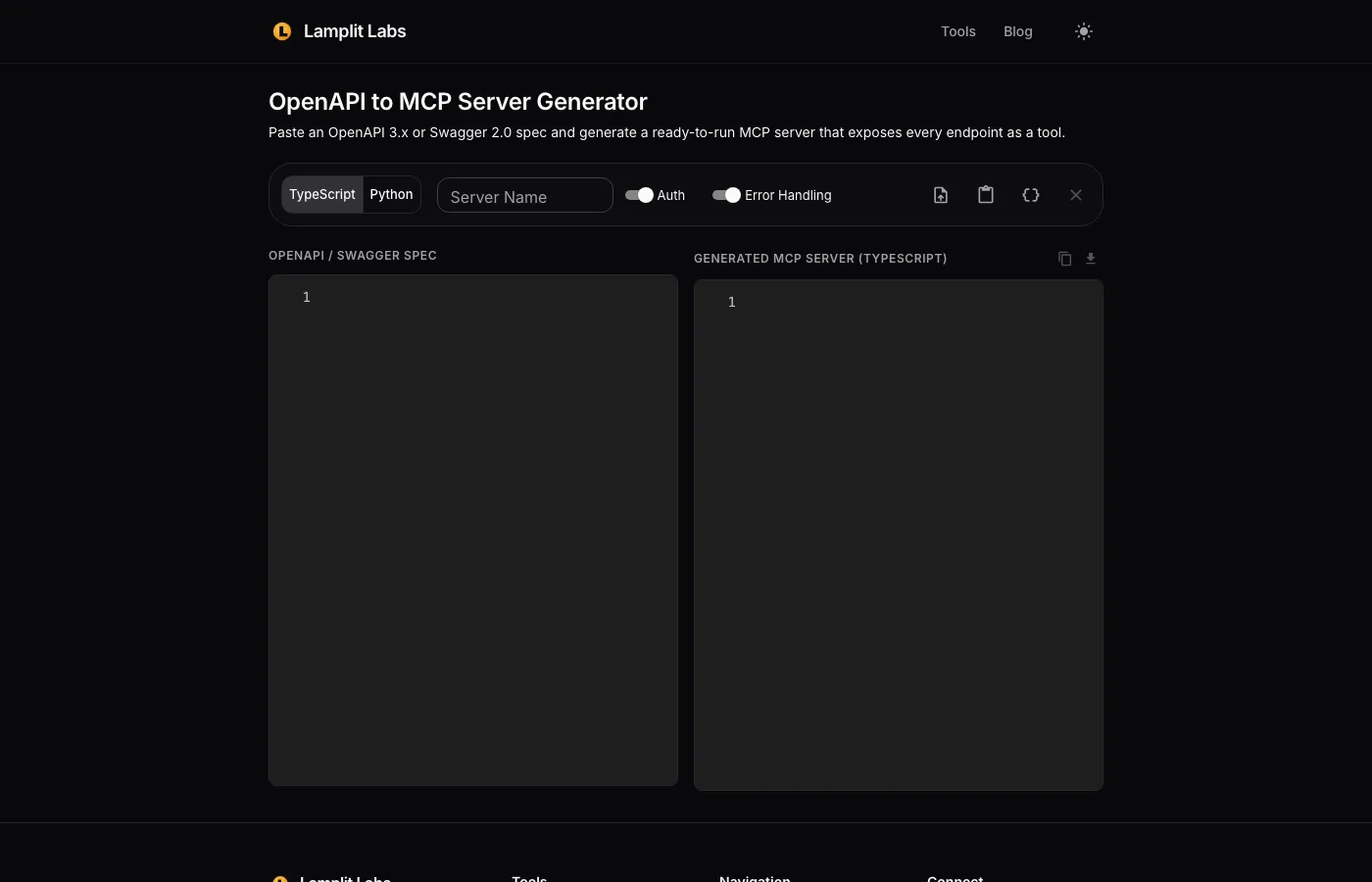
- Spec. Paste an OpenAPI 3.x or Swagger 2.0 document as JSON or YAML into the left editor. If you want to see the shape of the output first, the Load sample spec action drops in a small Petstore spec.
- Target language.
TypeScriptgenerates a server on@modelcontextprotocol/sdkwithzodschemas;Pythongenerates one onFastMCPwithhttpx. Both use the stdio transport, which is what Claude Desktop, Cursor and most agent hosts expect. - Server name. Defaults to the spec’s
info.title; this is the name the host shows for the server. - Auth. When enabled, the generated code carries an
AUTH_HEADERSmap that is spread into every request, with a commented example reading a bearer token fromAPI_KEYin the environment. Keep secrets in the environment, not in the generated file. - Error handling. When enabled, each tool wraps its request so a non-2xx response or a network failure comes back to the model as a readable
Error: 404 Not Foundstyle message instead of crashing the server.
What comes out
The generator walks paths, and for every operation it emits one tool:
- The tool name is the
operationIdwhen the spec has one, otherwise a name derived from the method and path. - Path, query and header parameters become typed arguments. Each
in: pathparameter is substituted into the URL,in: queryparameters are collected into the query string andin: headerparameters are set as request headers. - Request bodies are passed through as JSON with
Content-Type: application/json. - The base URL comes from the first entry under
servers, so point that at the environment you actually want the agent to call before you paste.
The right-hand editor updates as you type, so the loop of “fix the spec, see the server” is instant, and a parse error or a spec with no endpoints is reported inline rather than producing a half-finished file.
Reading the generated code before you run it
Treat the output as a starting point you own, not a black box. Three things are worth checking on the first run:
- Which endpoints are exposed. The generator exposes every endpoint as a tool. If the API has destructive operations the agent should never call, delete those tools from the generated file rather than relying on the prompt to keep the model away from them.
- Schema fidelity. Primitive parameter types map to
z.string(),z.number(),z.boolean()and their Python equivalents. Deeply nested body schemas are passed through loosely, so add stricter validation for any tool where a malformed body would do damage. - Timeouts and pagination. The generated fetch calls are deliberately simple. If an endpoint streams or pages, wrap it before handing it to an agent that will happily call it in a loop.
Why this belongs in the AI SDLC
The useful property of generating the server from the spec is that the spec stays the source of truth. When the API team ships a new field, you regenerate instead of patching tool definitions by hand, and a diff of the generated file tells you exactly what the agent can now do that it could not before. That is the same discipline we apply to coding agents in the dev lifecycle: make the machine-readable contract the thing you review, and let the glue be regenerated.
Try it
Open tools.lamplitlabs.com/#/openapi-to-mcp, click Load sample spec, switch between TypeScript and Python, and toggle Auth and Error Handling to see how each option changes the output. Then paste your own spec. If the generator mis-handles a construct in it, tell us; a real-world spec that breaks the translation is the most useful bug report we can get.