Tiktoken Playground: Seeing Where Your Prompt Actually Splits
How the Lamplit Labs Tiktoken Playground shows approximate BPE token boundaries, per-token byte counts, cost and context-window usage in the browser.
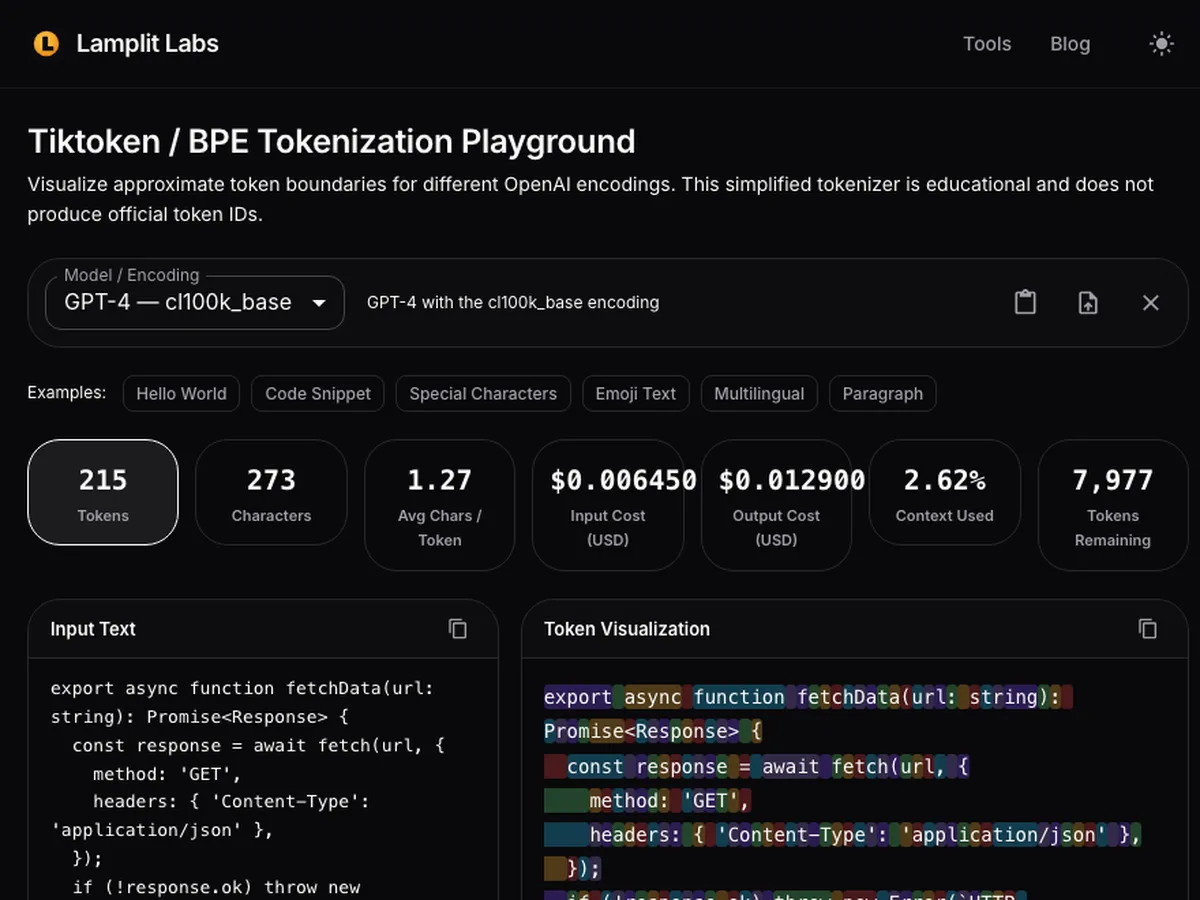
The Structured Output Validator post dealt with what a model sends back. This one goes back to the very first thing that happens to what you send in: the prompt is cut into tokens, and every limit you care about - context window, cost, rate limits, truncation - is counted in those tokens, not in characters. Most of us have a rough rule of thumb (“about four characters per token”) and most of us have been surprised when a JSON payload or a non-English paragraph blew through a budget that looked fine. The Tiktoken Playground on the Lamplit Labs tools site makes those boundaries visible. Paste text, pick an encoding, and see each token coloured in place, with the byte count underneath. It runs entirely in the browser, so a prompt containing customer data never leaves the tab.
What the tool is, and what it is not
The page is explicit about this, and so should the post be: it is a simplified, educational BPE tokenizer. It approximates the token boundaries that tiktoken would produce for the selected encoding, but it does not ship the real merge tables and it does not produce official token IDs. If you need a number for billing or for a hard cut-off in production, use the Token Counter or the tiktoken library in your pipeline. What this playground is for is building intuition: where does the text split, why do some words cost three tokens while a whole phrase costs one, and how much does that change when you switch model families.
Four encodings are selectable, each tied to the models that use it:
| Encoding | Models | Context window |
|---|---|---|
o200k_base | GPT-4o | 128K |
cl100k_base | GPT-4, GPT-4 Turbo, GPT-3.5 Turbo | 8,192 / 128K / 16,385 |
p50k_base | GPT-3 (davinci) | 4,097 |
r50k_base | GPT-2 | 1,024 |
Changing the model updates the context-window figure, the per-token price and the “tokens remaining” card, so the same text can be compared across generations without retyping anything.
A code snippet through GPT-4
The example chips at the top load representative text. Picking Code Snippet with GPT-4 selected gives the stat row below.
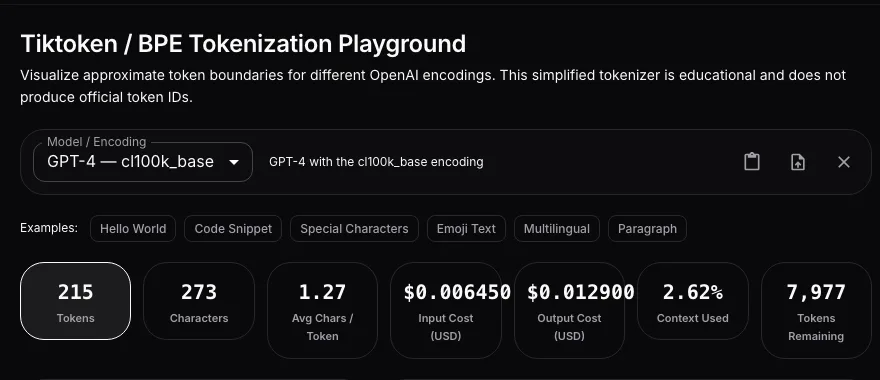
Six short lines of Python come out at 46 tokens for 103 characters - 2.24 characters per token, well under the four-per-token rule. Code is dense in punctuation and whitespace, and both of those are expensive: a colon, a pair of parentheses and an indent each tend to become their own token. If your prompt wraps a function in a fenced block and asks for a review, roughly half of what you pay for is syntax, not meaning. The cost cards use GPT-4’s list price per thousand tokens, and the context card shows the snippet occupying about half a percent of the 8K window.
The visualization pane is where it gets useful. Each token is drawn as a coloured span over the original text, and the token list below gives the index, the text and the byte length.
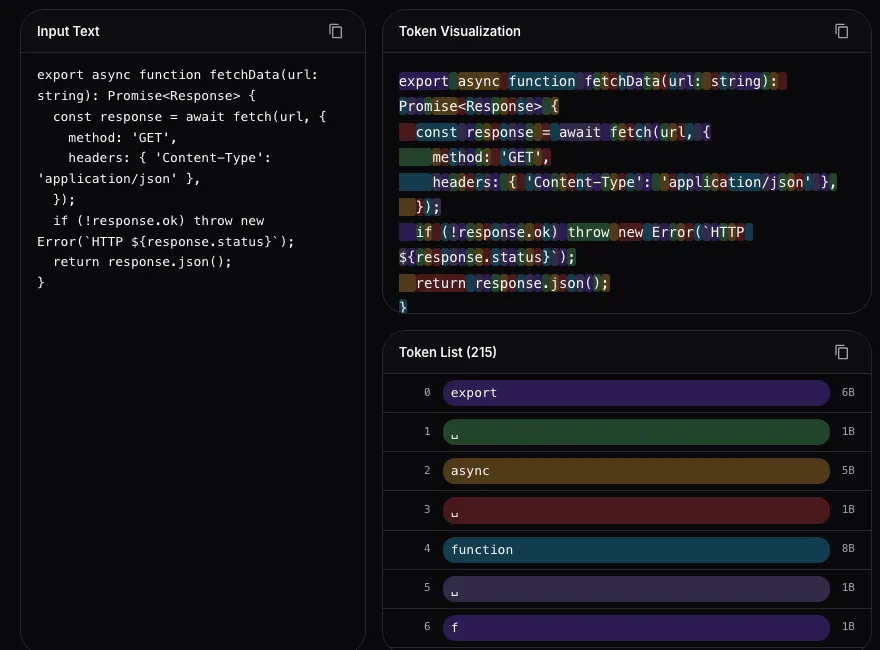
Reading across a line like def fibonacci(n):, the keyword and the identifier merge into familiar chunks while (, n, ) and : are split out individually. This is the thing that is hard to see from a single total: a prompt that looks short can be made of many tiny tokens, and trimming it is about removing structure, not words.
Why multilingual prompts cost more
The Multilingual example is the one I show people who are budgeting a global deployment. It is a one-line greeting repeated in ten scripts: 60 characters.
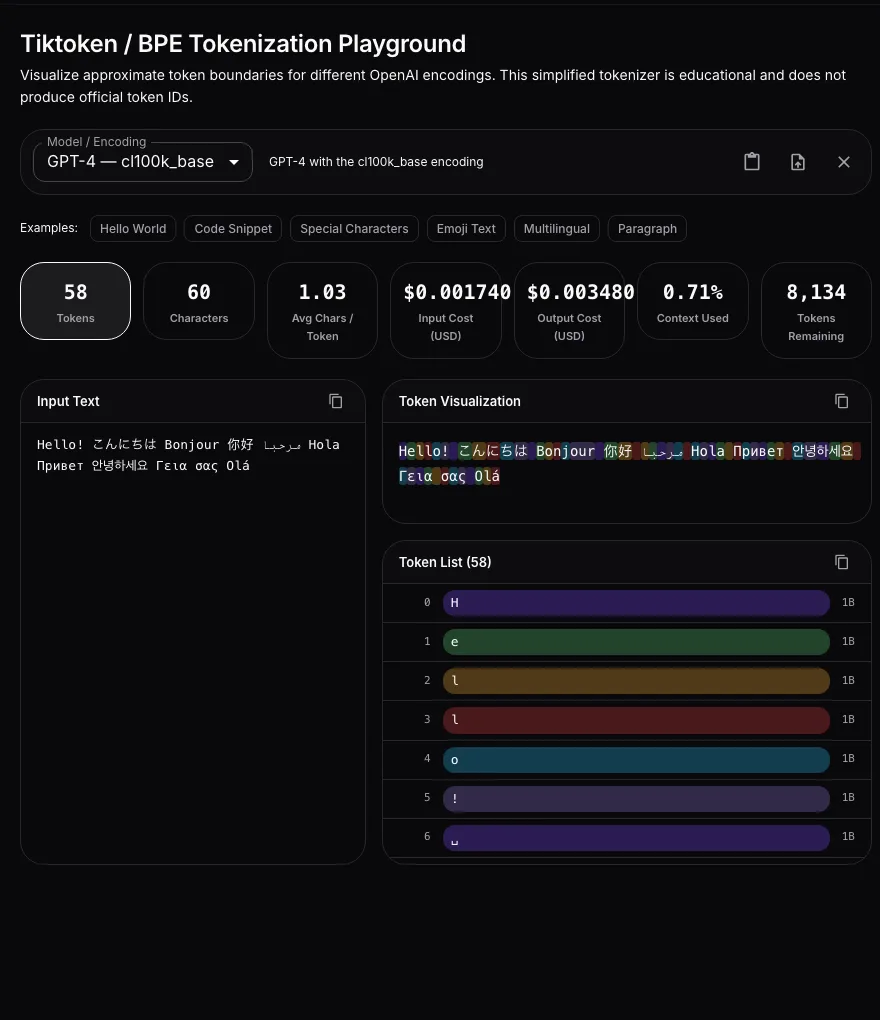
Sixty characters become 58 tokens, an average of 1.03 characters per token. The Latin-script greetings - Hello, Bonjour, Hola, Olá - still merge reasonably, but the Japanese, Chinese, Arabic, Cyrillic, Korean and Greek text is tokenized almost character by character, each one taking 2 or 3 bytes. For an English-centric encoding that is the expected behaviour, and it means the same instruction translated into Japanese can cost two to four times as many tokens as the English original. If you are sizing a context window or a per-request budget for a product that serves several languages, the English measurement is the optimistic one.
Switching the model to GPT-4o changes the picture because o200k_base has a much larger vocabulary with better coverage of non-Latin scripts; the playground’s approximation reflects that direction, but for exact counts per language this is precisely the case where you should confirm with the real library.
Where it fits in the workflow
The habit I am trying to build with this tool is to look at the boundaries before writing the system prompt into a config file. A few concrete uses:
- Prompt trimming. Load the system prompt, look at the visualization, and remove the Markdown tables, repeated separators and decorative bullet characters that cost tokens without adding instruction. Checking the token count before and after is a thirty-second loop.
- Chunk sizing for RAG. Paste a typical document chunk and read the “context used” card against the target model. A chunking strategy tuned on English documents with GPT-4 in mind will overflow when the corpus includes code or CJK text.
- Cost reviews. The input and output cost cards use the selected model’s list price. Multiply by expected daily request volume and you have a defensible number for a budget discussion, with the caveat that it is an approximation.
- Explaining tokenization to a team. The colour bands make the concept click faster than any paragraph about byte-pair encoding. Comparing GPT-2’s
r50k_basewith GPT-4o’so200k_baseon the same text shows how far vocabularies have grown.
The copy buttons export the token list as text, so a before/after comparison can be dropped into a pull request description when a prompt change is justified by cost.
Summary
The Tiktoken Playground is a browser-only, approximate BPE tokenizer for the four OpenAI encodings, showing coloured token boundaries, per-token byte sizes, estimated cost and context-window usage for the selected model. It is not a replacement for tiktoken in production, but it is the fastest way to see why a prompt costs what it does - that code tokenizes at just over two characters per token, that non-Latin text can approach one character per token, and that the fix for an oversized prompt is usually structural. Try it with your own system prompt at tools.lamplitlabs.com/tiktoken, and if the estimate matters for billing, confirm it with the library before you ship.